
The first time I fill in a document, it is a task. By the tenth time, when most of the structure is the same, it starts looking like a data problem.
I developed this project to automate part of the day-to-day work at Termo Clima Service, a company working with heating systems. The task was preparing heating system inspection and maintenance logbooks: the documents used to keep track of an installation, its technical details, inspections and maintenance.
The work involves repeated information about clients and their heating systems, spread across different sections and sometimes multiple instances of the same sheet. My aim was to turn that repetitive document work into a more structured process: enter and maintain the information in one application, select the relevant sheets, and generate the logbook as a PDF.
For this company workflow, I built a small Python web application to keep the information separate from the document. Flask handles the interface, SQLAlchemy models the records, and a PDF-generation layer puts the values back onto the appropriate page templates. Python connects the pieces. The useful change is that a completed form no longer has to be the only place where its information exists.
From a heating system record to a logbook
The central distinction is between a field definition and its value. A definition describes a label, data type, page, subsection and position. A value belongs to one client and, where necessary, one numbered instance of a sheet.
For example, the coordinates of a system identifier belong to the template. The identifier itself belongs to the installation. Moving the printed field should not require editing every client record, and correcting a record should not require moving text around a PDF.
erDiagram
    direction LR
    Client ||--o{ Fields : owns
    Fields }o--|| FieldType : defined_by
    Client {
        int id
        string name
        string address
    }
    FieldType {
        int id
        string data_type
        string field_text
        int page_type
        float x
        float y
        float max_width
    }
    Fields {
        int client_id
        int field_type_id
        int subpages_num
        string value
    }
The actual project also stores how many instances of the different sheet types belong in a client’s heating system logbook. That is important: a repeated page is a separate collection of values, not just a duplicate image added at export time.
Editing information and editing the template
The application has two related views. The client editor groups fields into collapsible subsections and lets me add sheets where they are needed. The template editor exposes the field coordinates alongside a PDF preview. There is also a view for individual field properties, including the available width for text.
This is the part that makes the tool maintainable. A layout adjustment is something I can inspect in the editor, rather than a new string of coordinates hidden in the middle of a document-generation function.
Try the simplified example below. Changing the identifier changes its displayed value. Moving the slider changes its position. Those are two different operations, backed by two different kinds of information in the project.
This example uses fictional data and a simplified page. It illustrates the mapping, rather than reproducing a client’s heating system logbook or the production interface.
Putting the values back onto paper
When I request a PDF, the generator collects the selected page instances and their fields. ReportLab draws an overlay, and PyPDF2 merges that overlay with each existing PDF template. The resulting pages are assembled into the inspection and maintenance logbook.
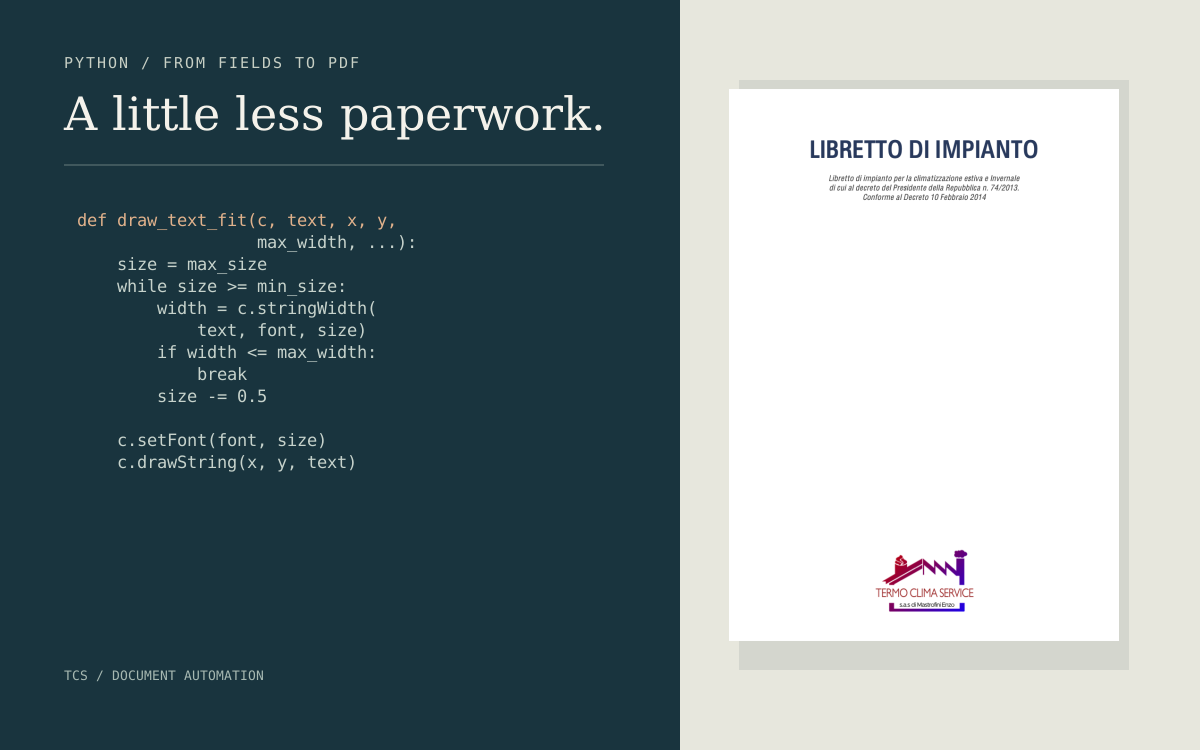
The details are small, but they matter. A Boolean value becomes a mark in a box. Dates need the printed format expected by the form. A long piece of text needs to fit inside its assigned width. In the project, draw_text_fit measures the string and reduces the font size in steps until it fits, down to a minimum size. That is a practical layout rule, not a reason to stop checking the output.
flowchart LR
    A[Client record] --> B[Selected sheets and instances]
    B --> C[Field values and template coordinates]
    C --> D[ReportLab overlay]
    E[Existing PDF template] --> F[PyPDF2 page merge]
    D --> F
    F --> G[Heating system logbook]
I also kept utilities for analysing the source PDFs. One extracts text labels and their coordinates from selected pages using PDFMiner. It helps establish an initial mapping; it does not remove the need to check whether a label and its intended input position correspond.
Automation still needs an output I can check
The lesson here is less about writing a clever script than about choosing a representation of the problem. Once the fields have names, types and positions, I can edit data, adjust a template and generate a document without treating those tasks as the same operation.
There are still checks I would not skip: long names, empty values, multiple sheet instances, and the printed position of the generated text. An automatic export can consistently repeat a mistake as easily as it can consistently apply the right rule.
I have not measured a reliable before-and-after time saving, so I am not attaching a percentage to it. What the project gives me is a repeatable workflow and a place to correct the mapping once. For the company, the purpose is practical: make heating system documentation easier to prepare and update, while keeping the records and the final document connected.